
Printing Services
Russell Library offers the capability to print documents, photos, web pages and emails from laptops, tablets and smartphones. Print requests can be submitted via the Internet from locations outside the library (remotely) or via the wireless network located in the library.
PLEASE NOTE: Because of possible damage to our printers, you may not provide your own paper.
Phone, Tablet, Laptop, Desktop
- Login to print.princh.com
- Enter Printer Code 107863
- Upload the files you wish to print.
- Follow the prompts
You can print from your email account using any device that has access to your email.
The Black & White and Color printers at the library each have their own e-mail address.
Log into your email account and locate the email and/or attachment that you wish to print. To print the message and attachment, forward or send an email to the desired address below:
relinfo-bw@ewprints.com (Black & White prints only)
rlinfo-color@ewprints.com (Color prints only)
Picking Up Documents
The Print Release Terminal is on the second floor at Russell Library. Users will need to know the email address to identify their print job.
The charge for printing is 10 cents per black-and-white page and 50 cents per color page. Coins and bills are accepted; exact change is not required.
Print jobs must be picked up before the library closes on the day they are submitted. After that, users will need to send the print job again.

Computers are available for two-hour sessions at all stations except the Quick Service computer stations, which are walk-up and limited to 30 minute sessions. Library cards are required to use the computers.
Non-Middletown residents must have a library card from their hometown library. Residents of Middletown without a permanent address and out-of-state visitors are invted to apply for a temporary card.
Appointments may made in advance. Sessions are 2 hours long, one session per day, per person. We cannot renew or extend sessions. These procedures are subject to change without notice due to library needs.
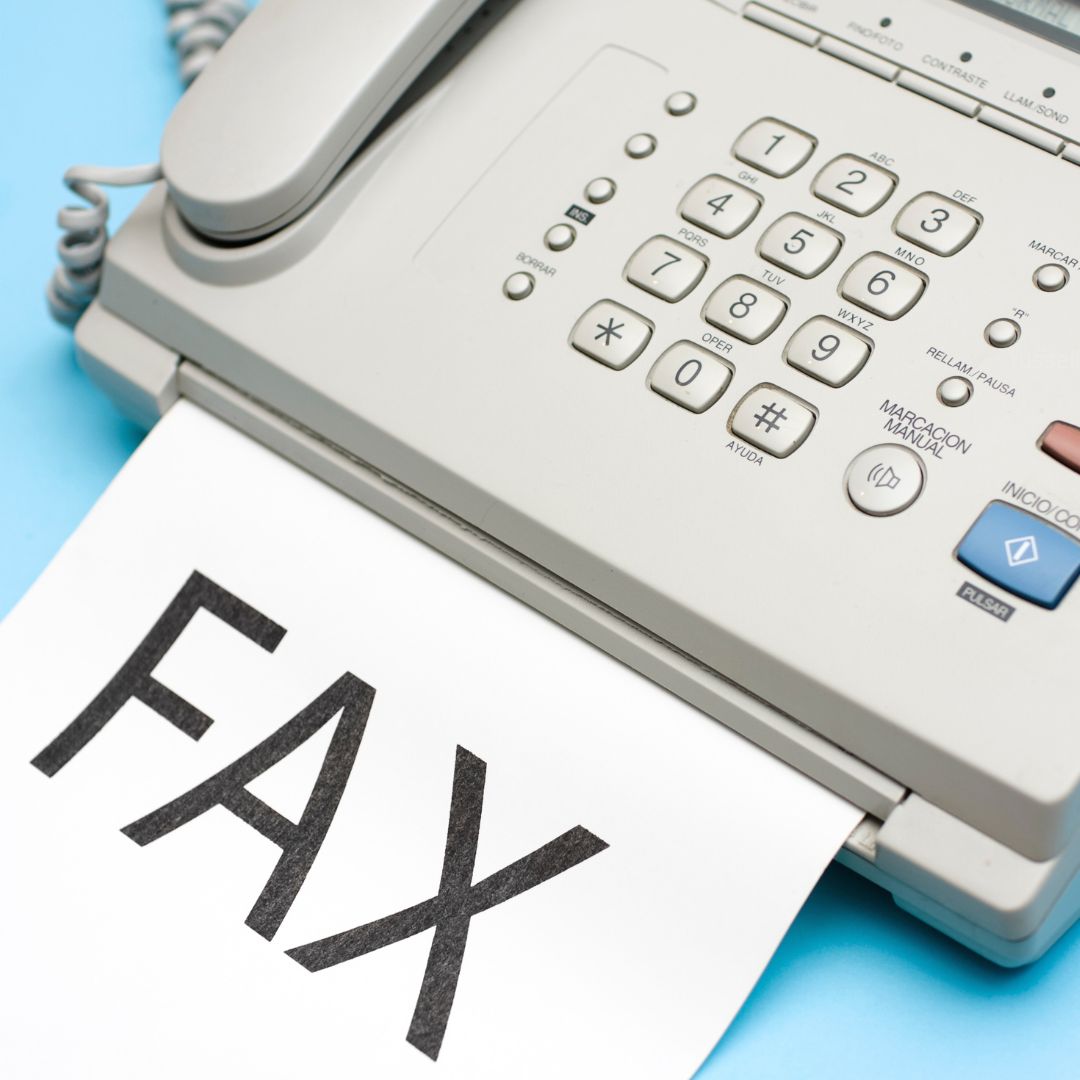
Printers, a copier & scanners are available on the second floor of the library. Photocopier is 10¢ per page for black & white prints or 50¢ per page for color prints. Please see a librarian about faxing options.
Chromebooks
Check out a chromebook for in-library use.
Did you know that you can check out a chromebook for use inside the library? With a valid regular-use library card, you can borrow a chromebook for the day.
Chromebooks must remain in the library and will not work if removed from the building. Temporary cards are not eligble to check out Chromebooks.
Chromebooks are available at the second floor Information Desk and in the Children’s Department.
Russell Library
123 Broad Street
Middletown CT 06457
Phone
860-347-2528
Events
Library Hours
Mon-Thurs 9am-8pm
Fri-Sat 9am-5pm
Sunday 1-5pm (October-March)